Boards
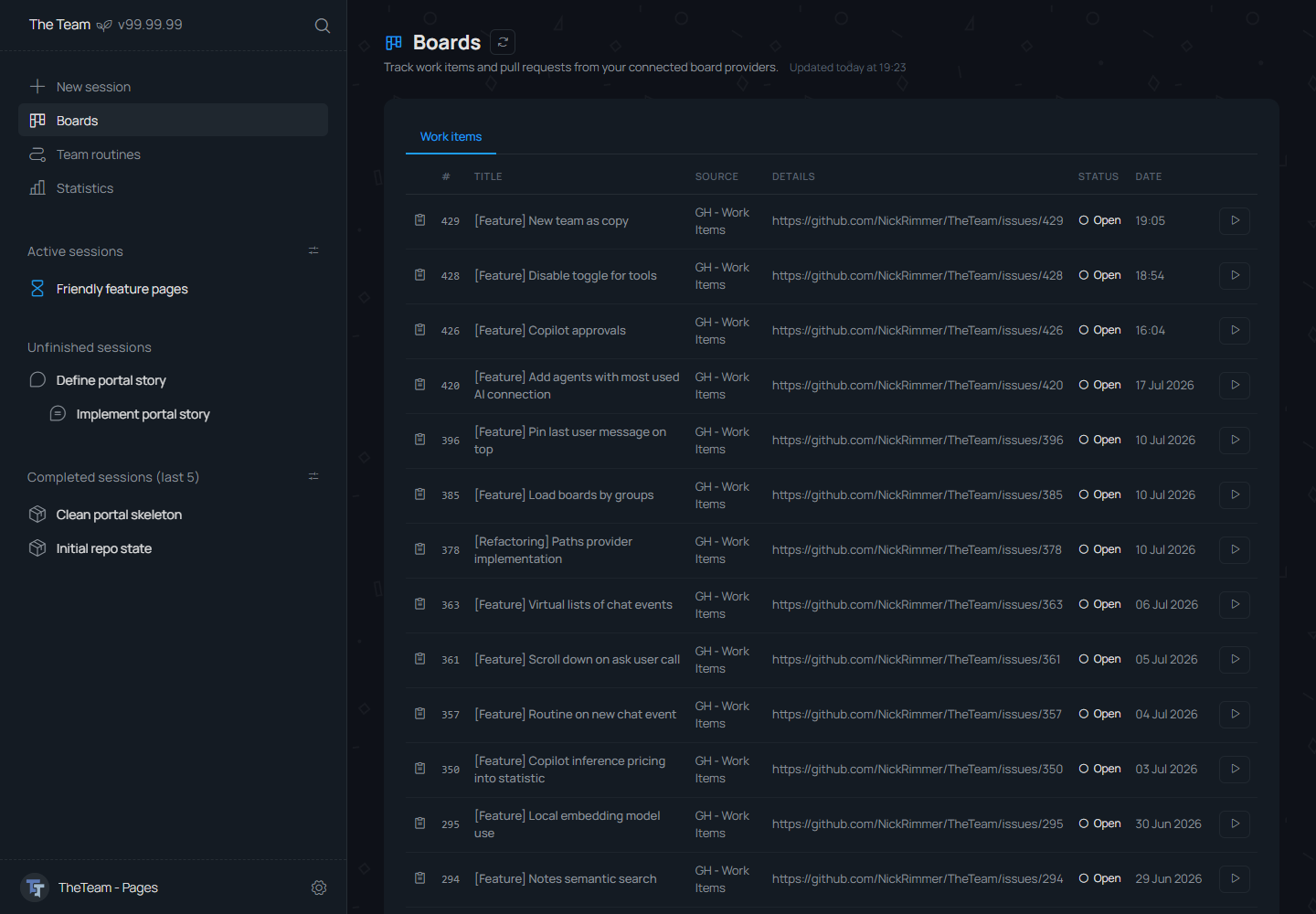
Boards show tracked work items in a table and connect them to team sessions.
Session Integration
Each row can keep the original details URL and expose a run action for creating a related team session.
Board Flow
- Open Boards from the app sidebar.
- Scan work items by title, status, source, and date.
- Use the run action to start working on a work item in a team new chat.