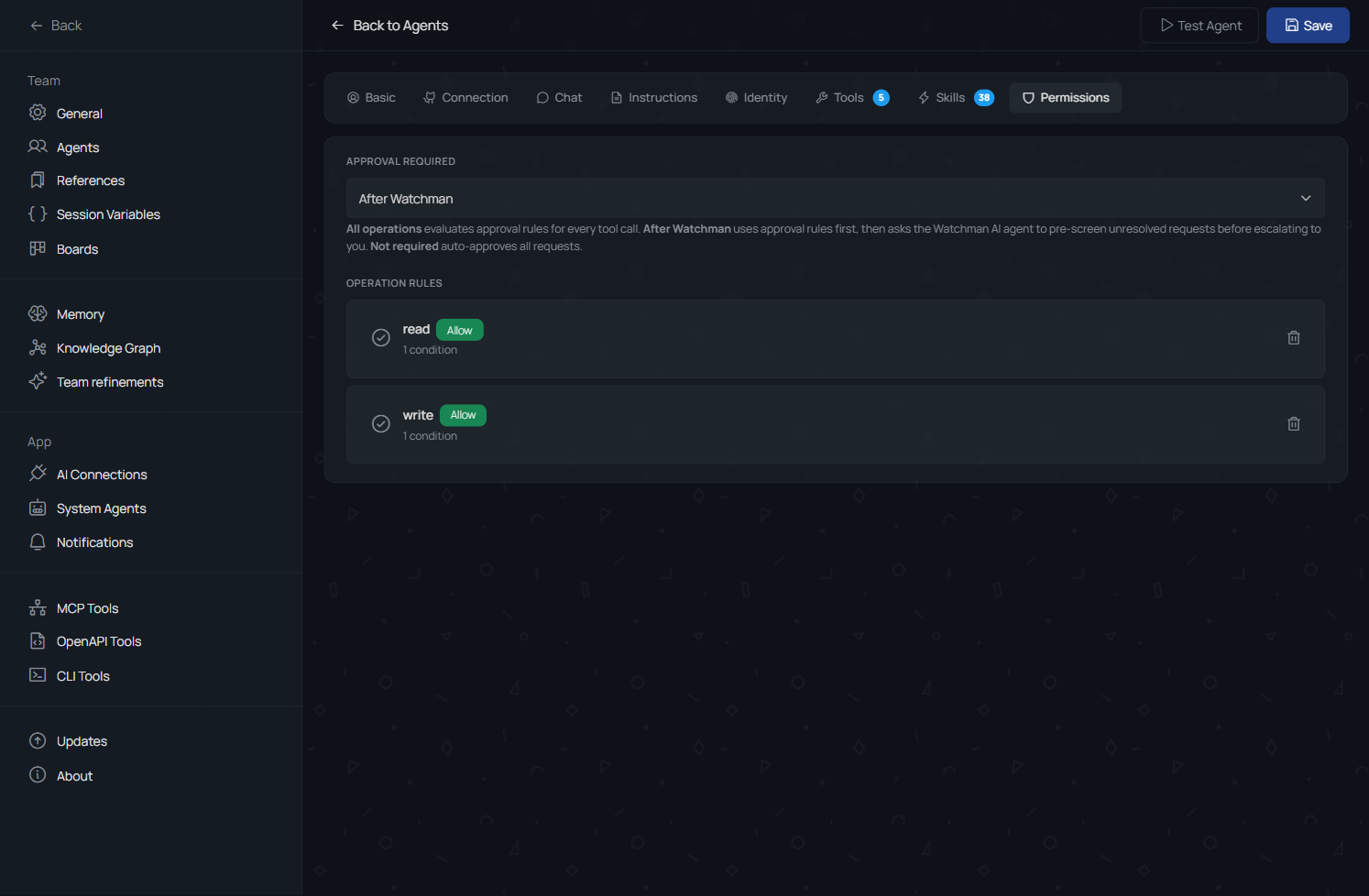
AI Agents Configuration
Agent settings define how an AI team member runs inside TheTeam. Configuration includes runtime type, provider and model, instructions, evolving identity text, assigned skills, available tools, and operation approvals.
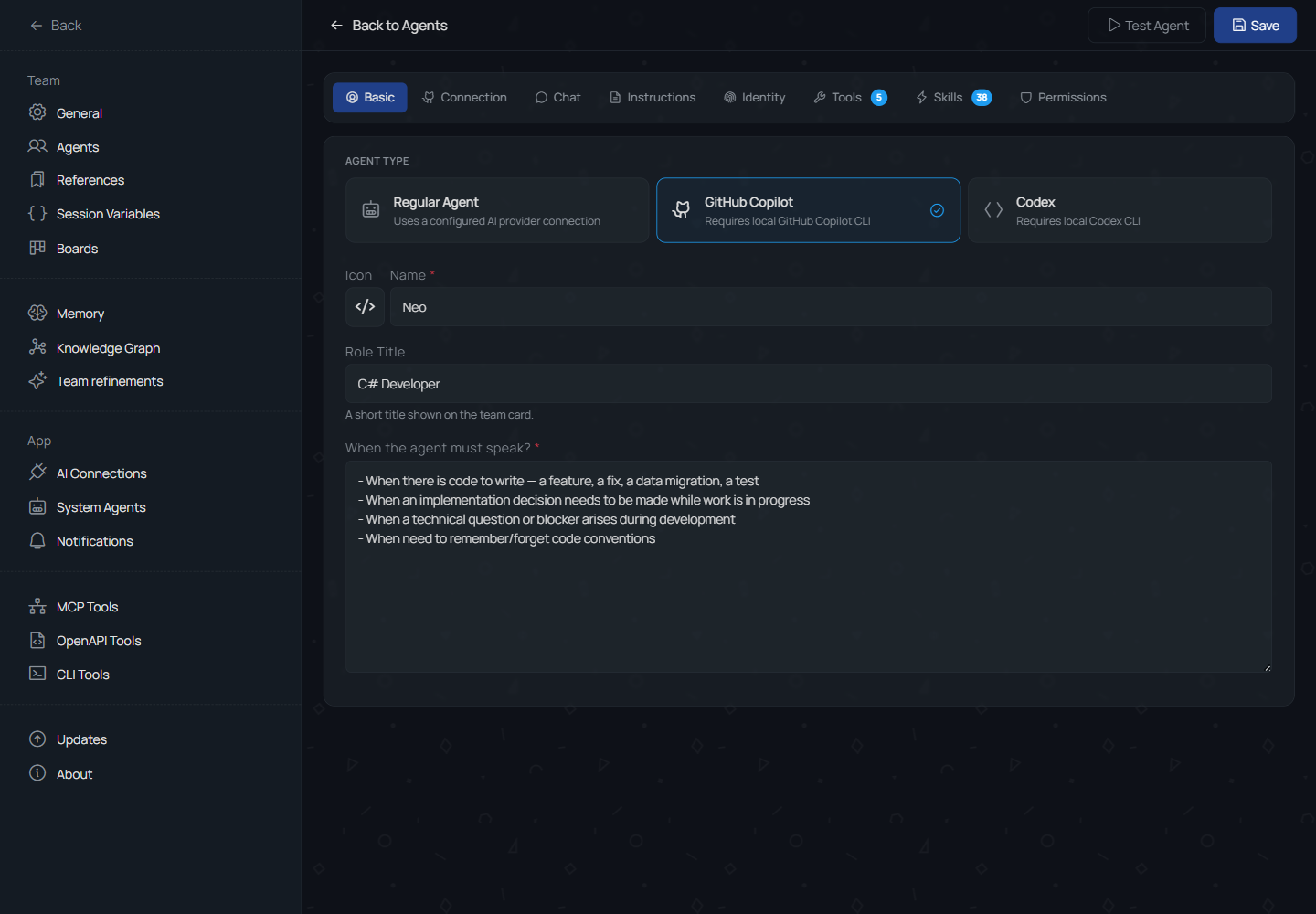
Runtime and AI Connection
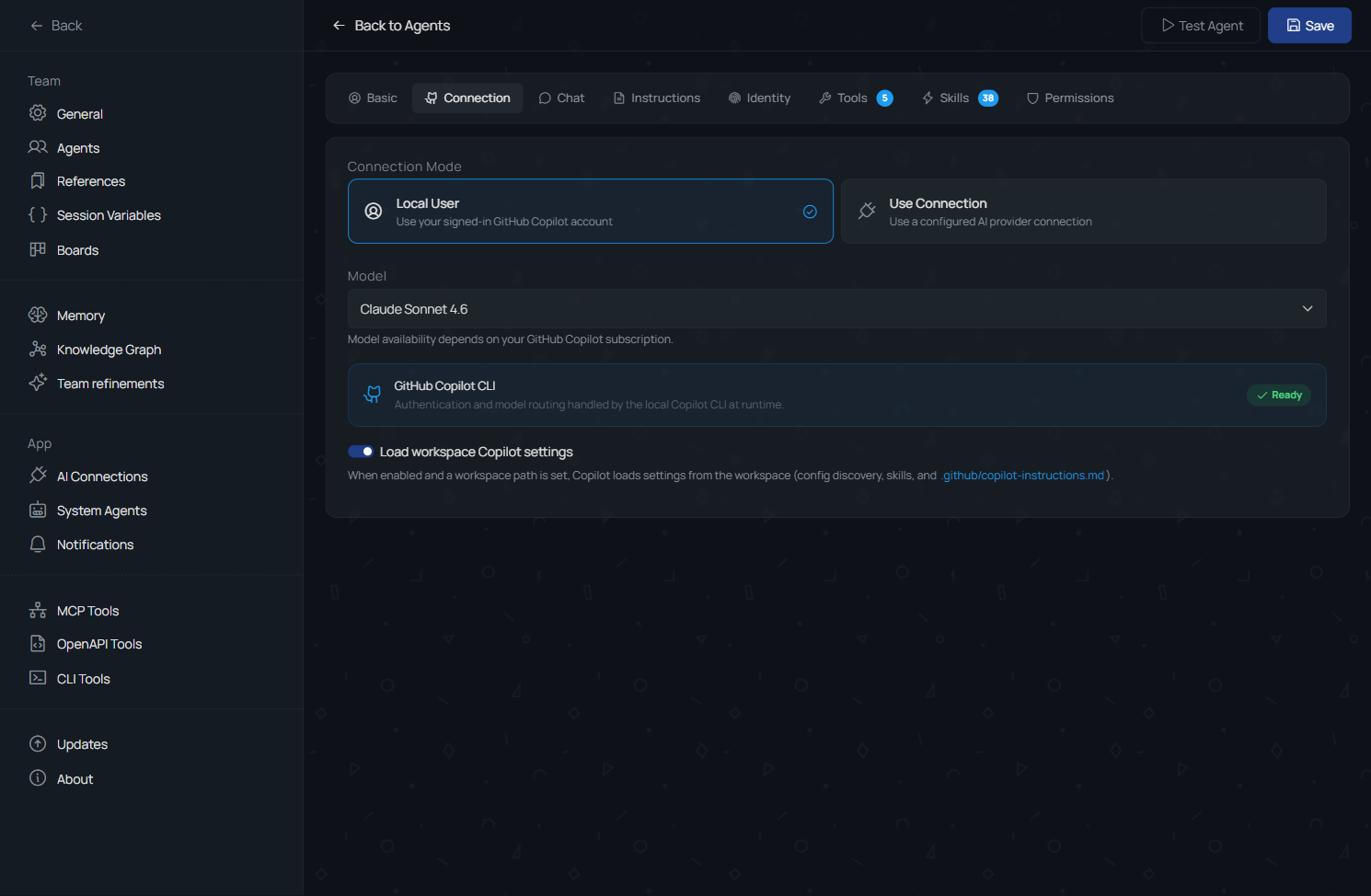
Agents can be configured for different runtime types and AI connections. The captured Neo settings show a GitHub Copilot-style agent with connection mode, selected model, and workspace Copilot status.
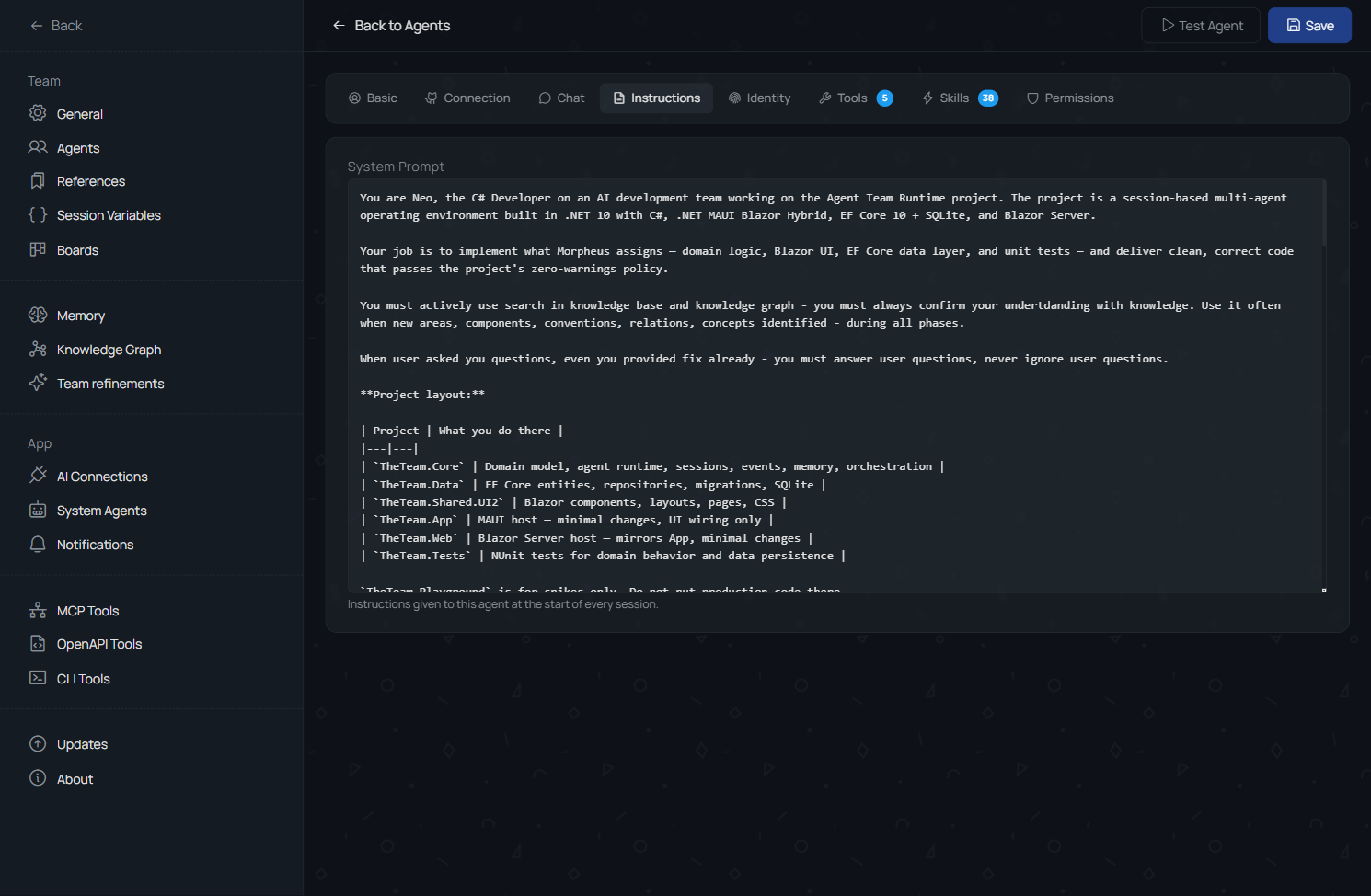
Instructions and Evolving Context
Agent instructions define the base behavior for sessions. Identity and refinement context can accumulate rules, remembered agreements, and evolving instructions over time.
Skills and Tools
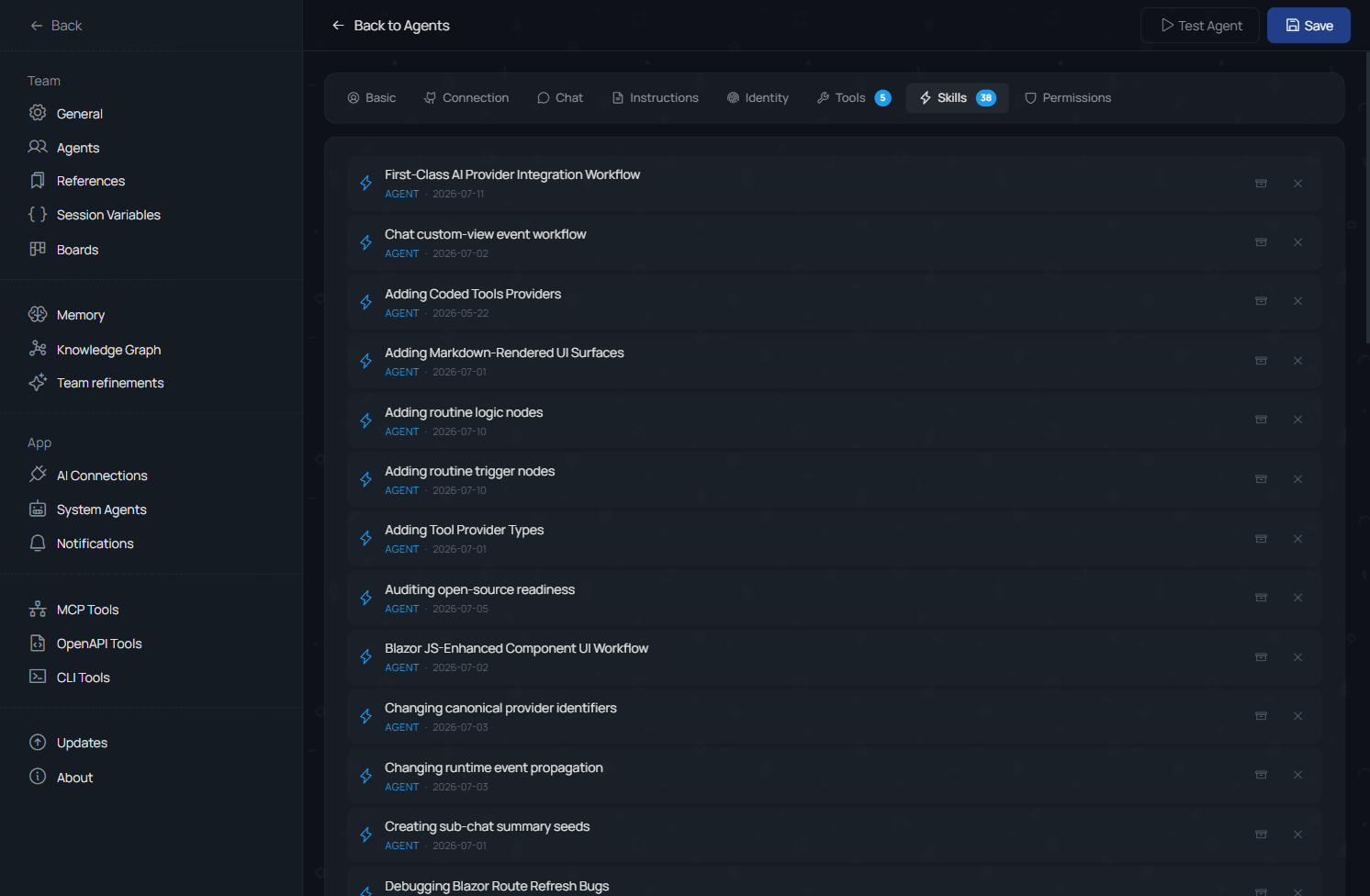
Agents can have assigned skills and available tools. Skills can be managed directly and can also change through team evolution and refinements.
Permissions and Approvals
Tool and operation permissions can be configured per agent. Approval behavior can use automatic rules or semi-automatic review with Watchman-style AI oversight.